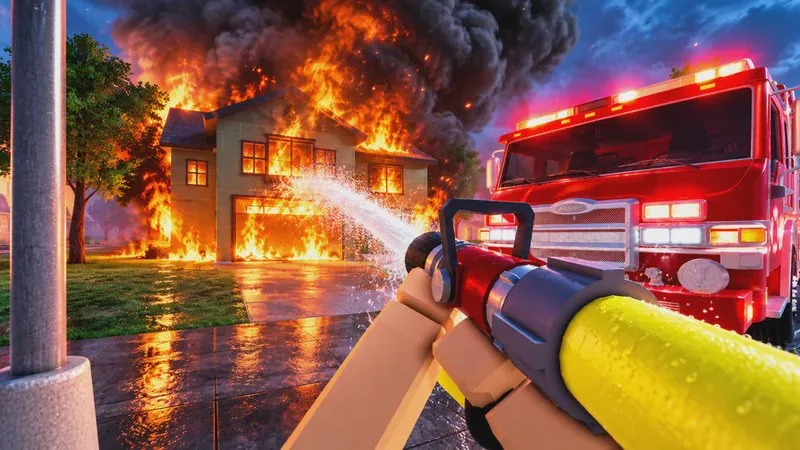
Use this when you are at the station and need one complete emergency, from the spawner to the result screen. The steps follow creator PC walkthroughs of this Roblox game. If a prompt on your device uses different words, follow the prompt.
Before you leave the station
You need an available vehicle and an active call. A beginner walkthrough starts on a fire engine because the hose in that example connects to the truck. Four vehicles are listed as available at the start in an October 7, 2026 roster: Fire Engine, Econoline Ambulance, Brush Truck, and Duty Sedan. Spawn whatever your own menu actually allows.
Read the active-call list before you drive. One guide places that list at the top right. PC footage uses a card labeled for attachment. Pressing Z is the attach control named in both a key chart and the walkthroughs. After a successful attach, the card can change to an attached state and the call location becomes available.
If the list is empty, stay at the station. An old map marker is not a new call.
Work the call in order
- Use the station control labeled for the vehicle spawner, choose an available engine, and wait until that truck appears. Enter it with the interaction prompt, then check the driving controls in the lower-left vehicle panel before you roll.
- Attach to one active call and drive to that call's location. Siren, horn, headlights, signals, pathfinder, parking brake, and camera controls are listed in the PC key chart on the controls guide. Use the panel if a key does not match.
- Equip the mask before you enter smoke. Keep watching heat, smoke, and the body or health indicator. The mask is for smoke. It does not make standing in fire safe. If the body percentage falls, leave the danger area and watch it recover before you go back in.
- Select the hose and hold the spray on one burning surface. A walkthrough describes a target circle changing from red to blue when that spot is out. One blue spot is not the whole call.
- Use the fire axe on a door you cannot open. An open doorway is a route, not a finished rescue. Keep the way back outside usable.
- Find the trapped person, use the carry interaction, walk outside, and put them down. In one cooperative house-fire example the put-down happened on the driveway near the engines, and the scene then showed a victim-rescued notice and an all-saved count. Carrying someone, or seeing the fire go out, did not by itself finish that rescue.
- Read the result for the call you attached to. Check completion, victims, and performance feedback. A scene can close and still show that you were not credited, so do not assume every finished fire paid you XP.
What the first result is for
The official First Alarm badge is worded as working your first call to the end. A personal grade and that badge are separate checks. Simpler calls are described as easier to grade highly and lower in XP. Harder calls take longer and are described as paying more, without a published XP table.
Friends in the same scene can put the fire out while you search. That example is not a solo time limit.
If the next step does not happen
| What you see | What to check |
|---|---|
| No call location | You are attached to the current card, not an older marker |
| Hose does nothing | The hose is selected and the spot is still burning |
| Health is falling | You left the flames; the mask is not heat immunity |
| Fire is out but the call is not | Trapped victims or another objective is still listed |
| Call closed, no reward | The result says whether you were credited |